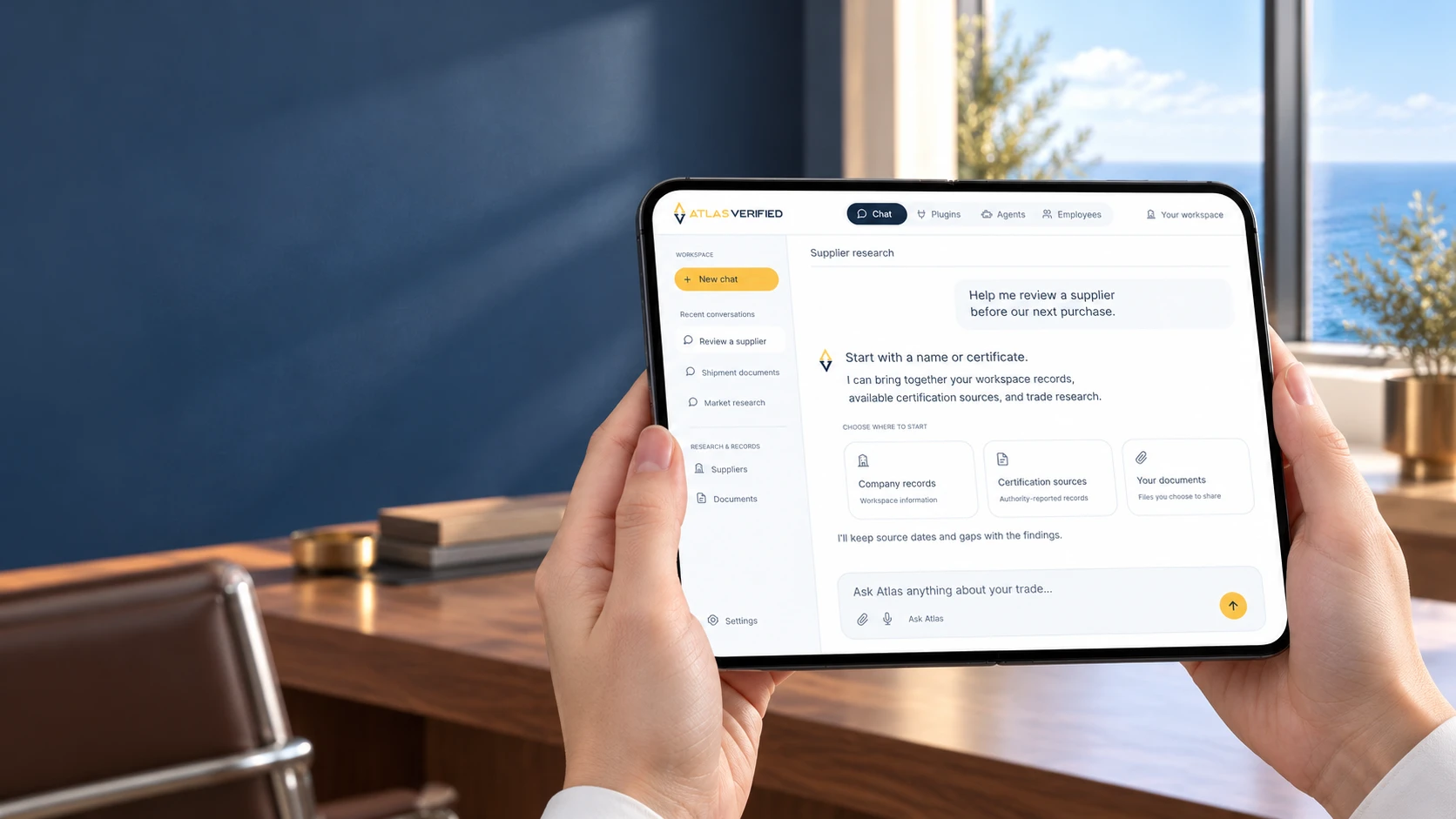
Ask in Atlas or connect a compatible client
Work in the Atlas workspace, or use the Atlas connection in ChatGPT. Setup and available tools depend on the client and your account.
Atlas Agent + MCP
Bring suppliers, documents and available trade sources into one conversation—in Atlas or a compatible AI tool.
Atlas chat and external connections can have different plan and usage requirements. Review current access before connecting a client. View plans
Illustrative workflow
Your question
ALet’s compare the evidence. 1, 2
The operation identifier matches the supplied record. The product scope differs between the uploaded certificate and registry snapshot. I cannot confirm the requested scope from this evidence alone.
Example source references
From the first question to the next decision
Work in the Atlas workspace, or use the Atlas connection in ChatGPT. Setup and available tools depend on the client and your account.
Ask a specific question about a supplier, document, or shipment. Add the evidence needed to make the question answerable.
Follow a citation back to its source and review missing evidence. An answer can support a decision without completing every compliance check.
Know what the result covers
MCP is the connection standard used by compatible AI clients. Each client exposes the tools and records your account permits; capabilities can differ. AI responses can be incomplete or incorrect and need review. Atlas does not expose private model reasoning as verification evidence.
Use the Atlas connection with the tools and records your account permits. MCP is the connection standard; the setup guide explains compatible clients and access.
See the Atlas connectionAtlas Agent + MCP
Bring suppliers, documents and available trade sources into one conversation—in Atlas or a compatible AI tool.